

TuneImage
Upload one photo, describe the edit in plain English, and get a 1K PNG back.
TuneImage is a freemium AI tool. Upload one photo, describe the edit in plain English, and get a 1K PNG back. Editors list 3 strengths and 3 limits on this page, next to the published price.
Quick facts
- Best for
- Upload one photo, describe the edit in plain English, and get a 1K PNG back.
- Pricing
- Freemium
- Editor rating
- 0 / 5
- Community saves
- 0
About TuneImage
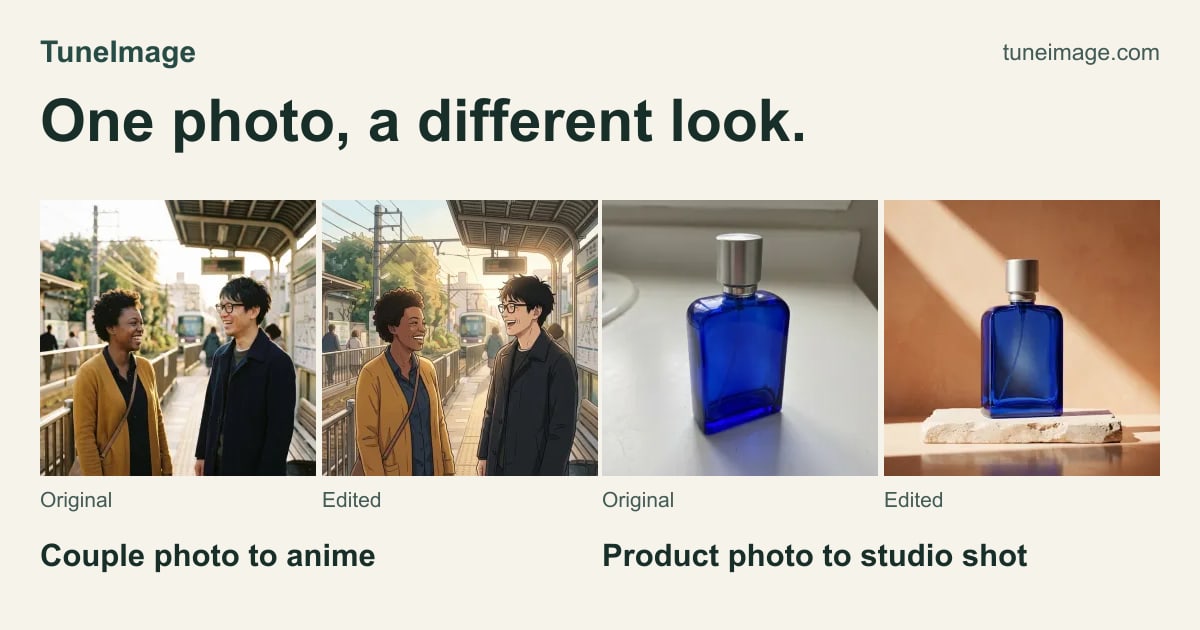
TuneImage is a browser-based AI photo editor. Upload one image, describe the change you want in plain English, and download one 1K PNG. Common uses include changing outfits in a portrait (for example sweater to denim jacket, T-shirt to blazer, a full navy suit, or a dress with boots), recoloring items in a photo, creating product-photo looks, and turning couple photos into anime-style art. Results vary from image to image: it does not promise perfect faces, hair, or exact colors, and it is not a size-prediction or exact retail try-on tool. You can try one free guest edit while daily spots last, or sign in for up to four free edits in total (including the guest edit). After that, one-time credit packs start at $6.99 for 60 edits via PayPal — no subscription.
Pros
- Prompt-based outfit, color and product-photo edits from one upload
- Freemium with one-time packs and no subscription
- Simple 1K PNG output
Cons
- Results vary; no promise of perfect faces, hair or exact colors
- Output is 1K, not 4K
- Free edits are limited