

EditTextInImage
Replace a phrase in a finished image without the design source file
EditTextInImage is a free AI tool. Replace a phrase in a finished image without the design source file. Editors list 3 strengths and 3 limits on this page, next to the published price.
Quick facts
- Best for
- Replace a phrase in a finished image without the design source file
- Pricing
- Free
- Editor rating
- 0 / 5
- Community saves
- 0
About EditTextInImage
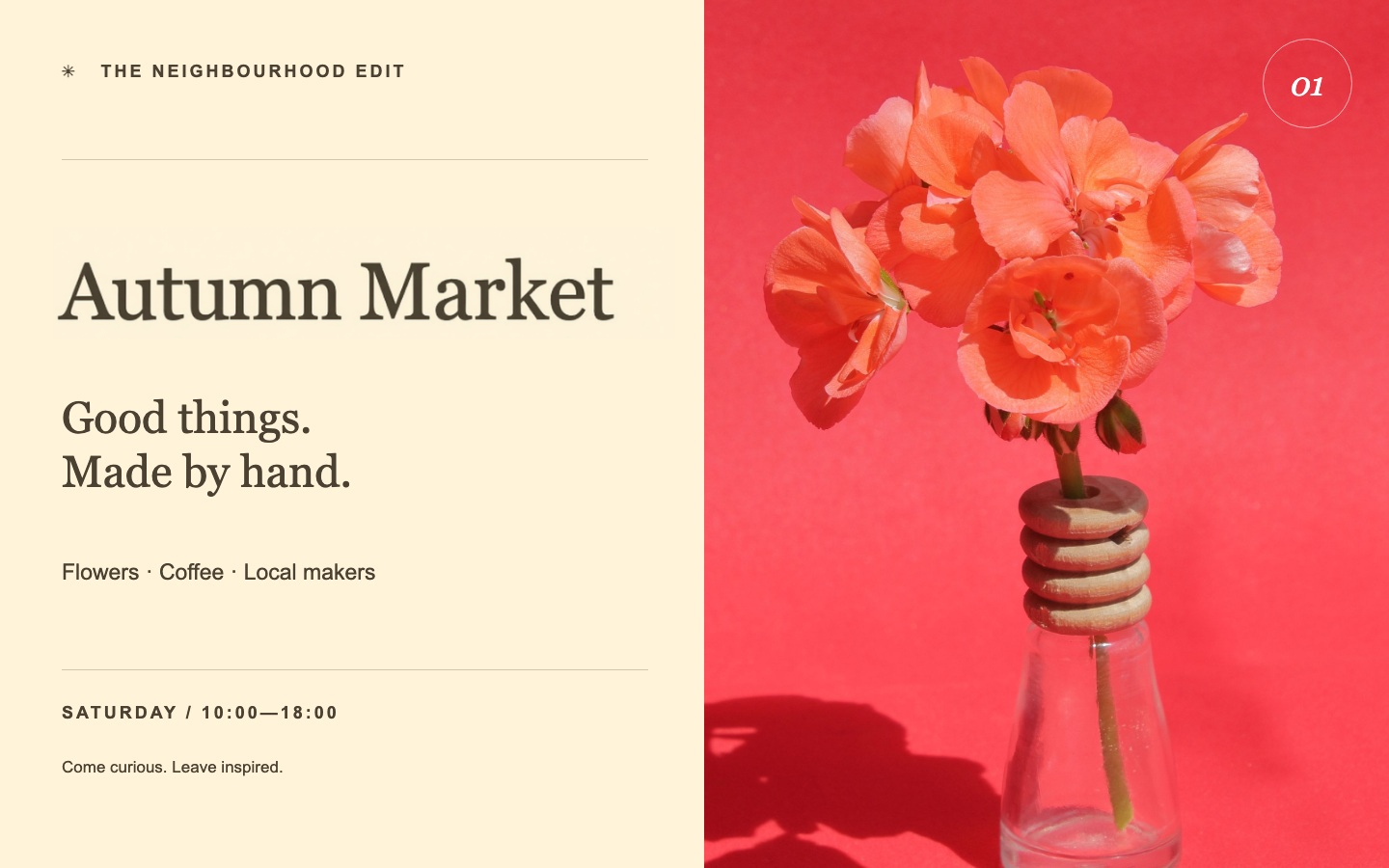
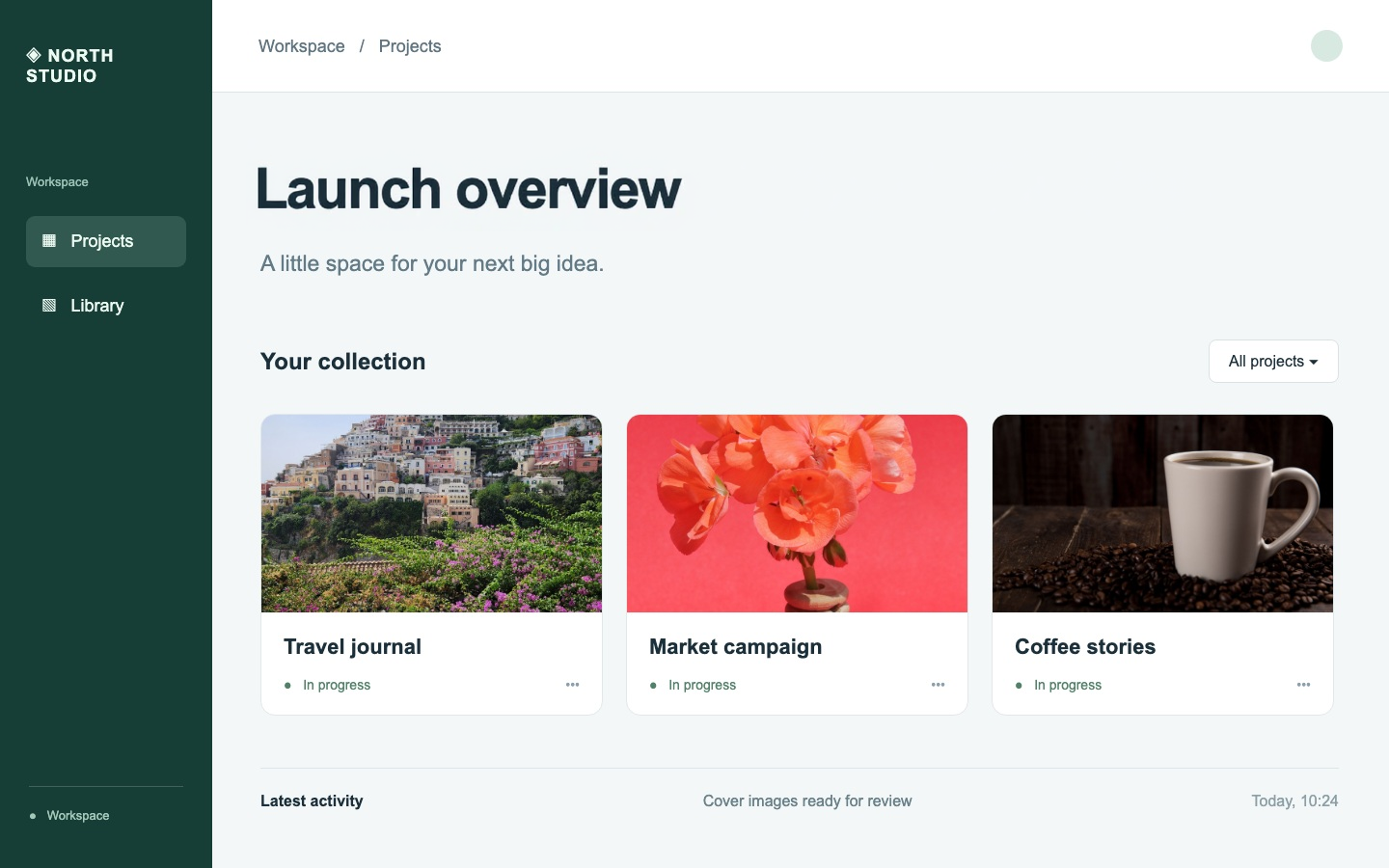
EditTextInImage is a browser-based AI editor for replacing one existing phrase in a finished image when the editable design file is unavailable. Upload a JPG, PNG or WebP up to 10 MiB, select one complete text region, and enter the original and replacement wording. Compare the result and export a PNG at the source dimensions. Use cases include poster headlines, product-image copy and product-demo screenshots. Pixels outside the selected region are preserved; typography and background inside it may differ, so inspect the result at full size. Current access is a limited free trial: two editing credits once per account after sign-in, with no daily reset. Credit purchases are currently closed. The linked images are saved poster and fictional product-demo screenshot examples from our website. Submitted by the EditTextInImage product team. Public contact: [email protected].
Pros
- Preserves pixels outside the confirmed selection
- Compare the edited image before exporting
- Export a PNG at the original image dimensions
Cons
- Manual selection of one complete text region per generation
- Font style and background inside the selection may differ
- Two free credits once after sign-in; credit purchases are closed