

DrawLesson
Step-by-step drawing lessons plus an AI tool that turns your reference image into a tutorial.
DrawLesson is a freemium AI tool. Step-by-step drawing lessons plus an AI tool that turns your reference image into a tutorial. Editors list 3 strengths and 1 limits on this page, next to the published price.
Quick facts
- Best for
- Step-by-step drawing lessons plus an AI tool that turns your reference image into a tutorial.
- Pricing
- Freemium
- Editor rating
- 0 / 5
- Community saves
- 0
About DrawLesson
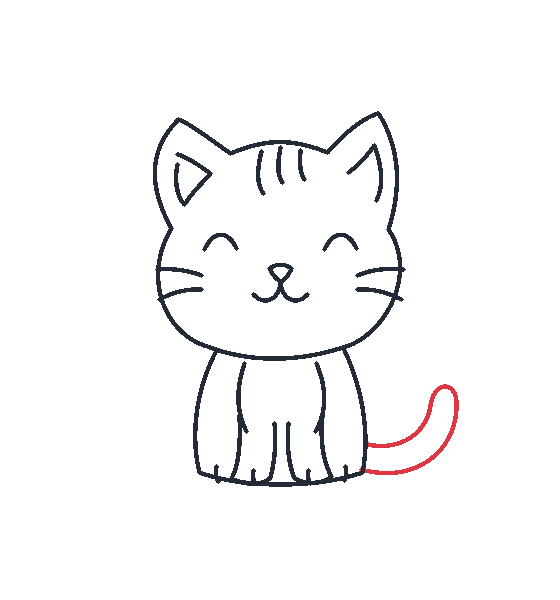
DrawLesson helps beginners learn to draw one step at a time. It offers ready-made step-by-step lessons (animals, nature, people, anime, everyday objects), lets you draw on screen or trace on paper with your camera, and includes an AI tool that turns a reference image into a step sheet with written guidance. Basic practice is free: choosing a picture, ready-made lessons and drawing cost nothing. AI generations use credits (new accounts get 1 AI generation; a paid Plus membership and credit packs are available), and generated steps should be reviewed before drawing.
Pros
- Ready-made step-by-step lessons for beginners
- Draw on screen or trace on paper with a camera
- AI turns a reference image into a tutorial step sheet
Cons
- AI generations use credits; generated steps should be reviewed before drawing.