Downloads · 30 days
5
0% of all-time downloads
openvoyage/voyage-v1
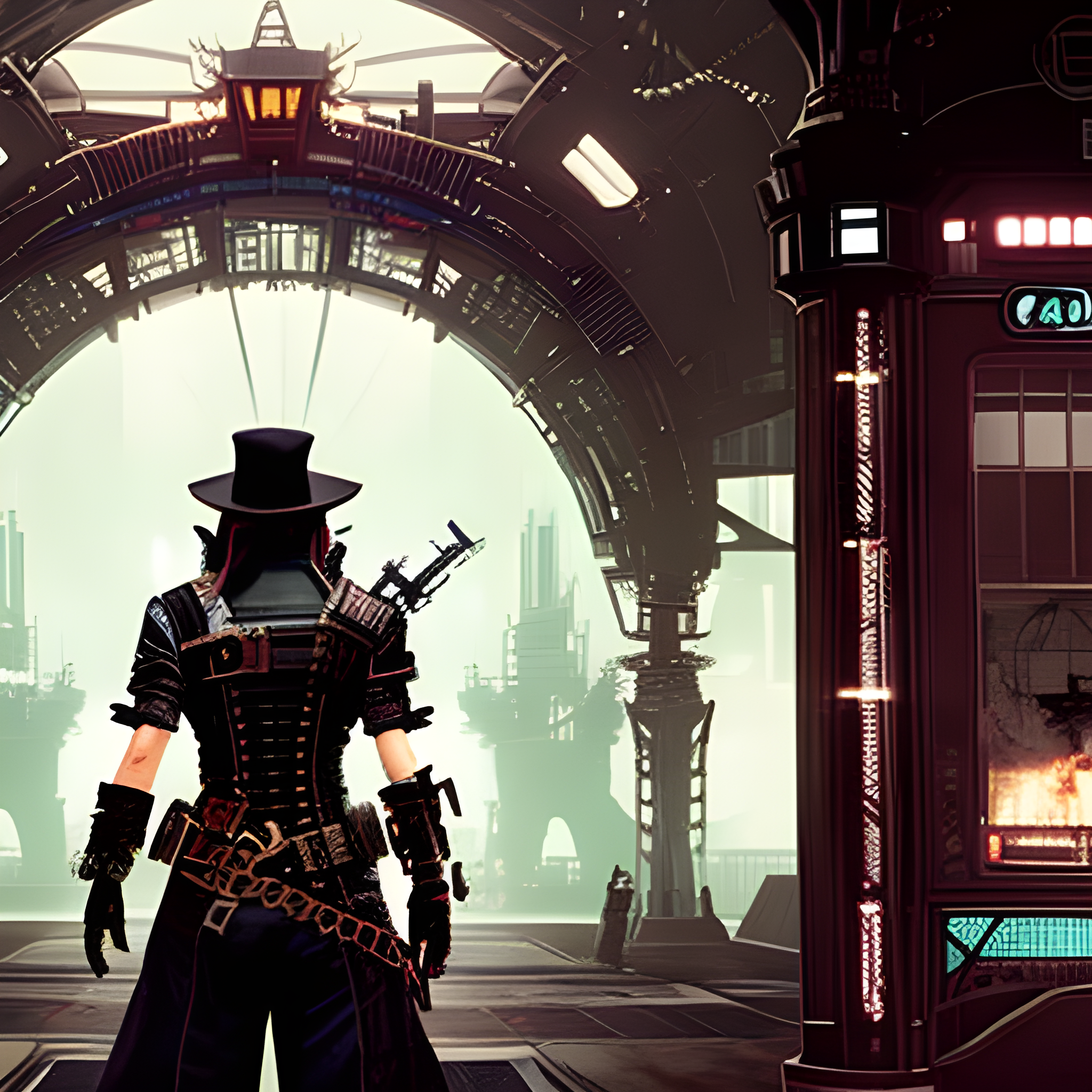
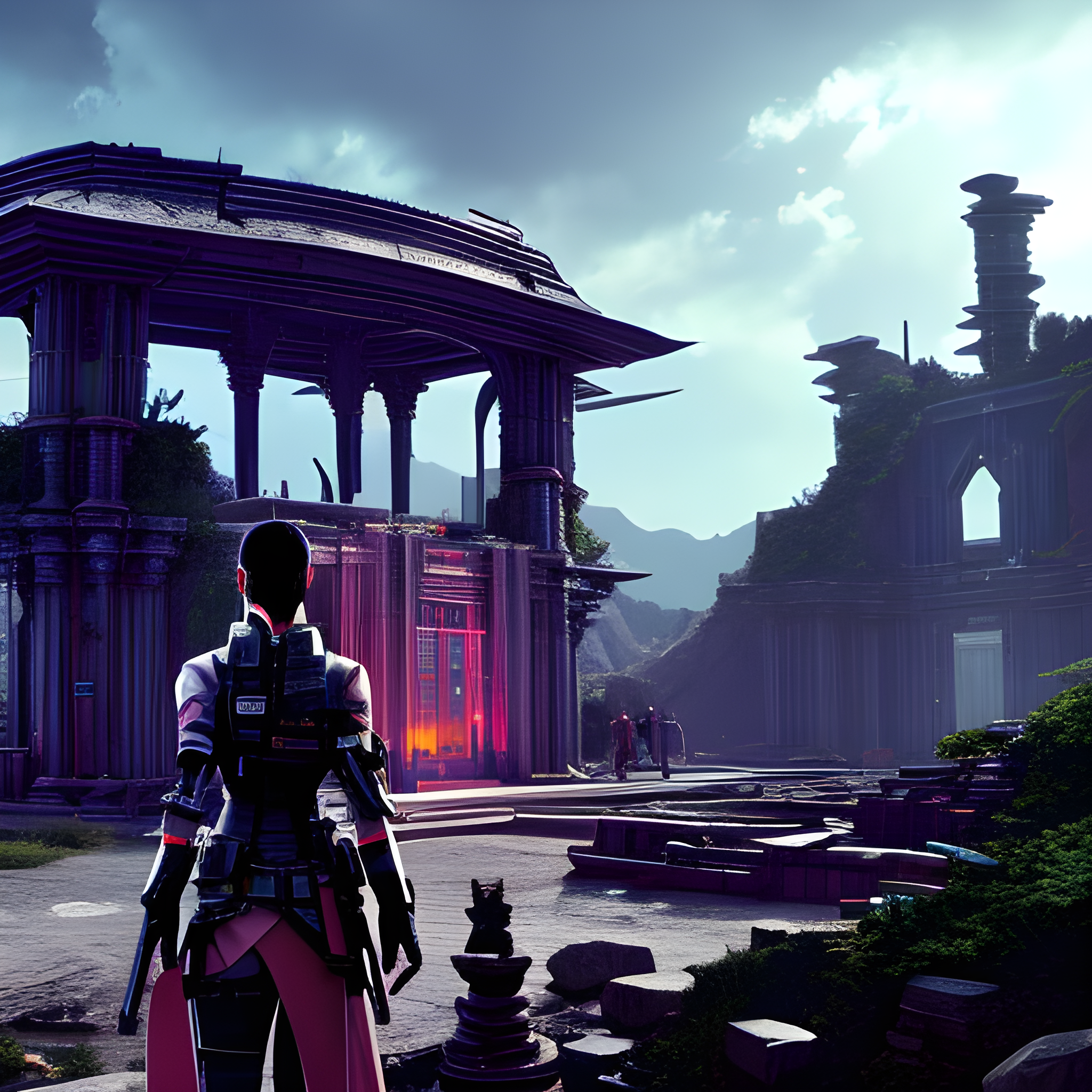
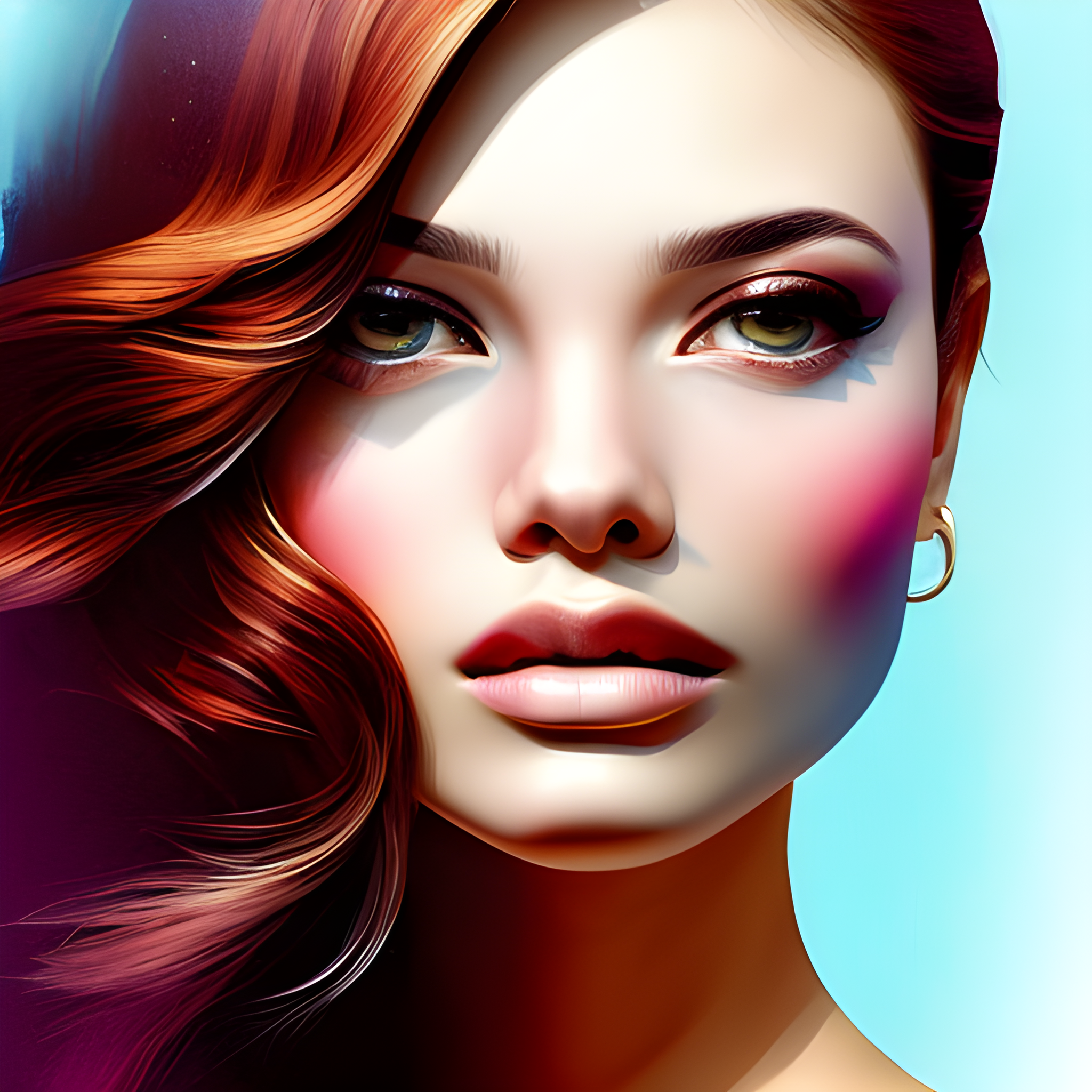
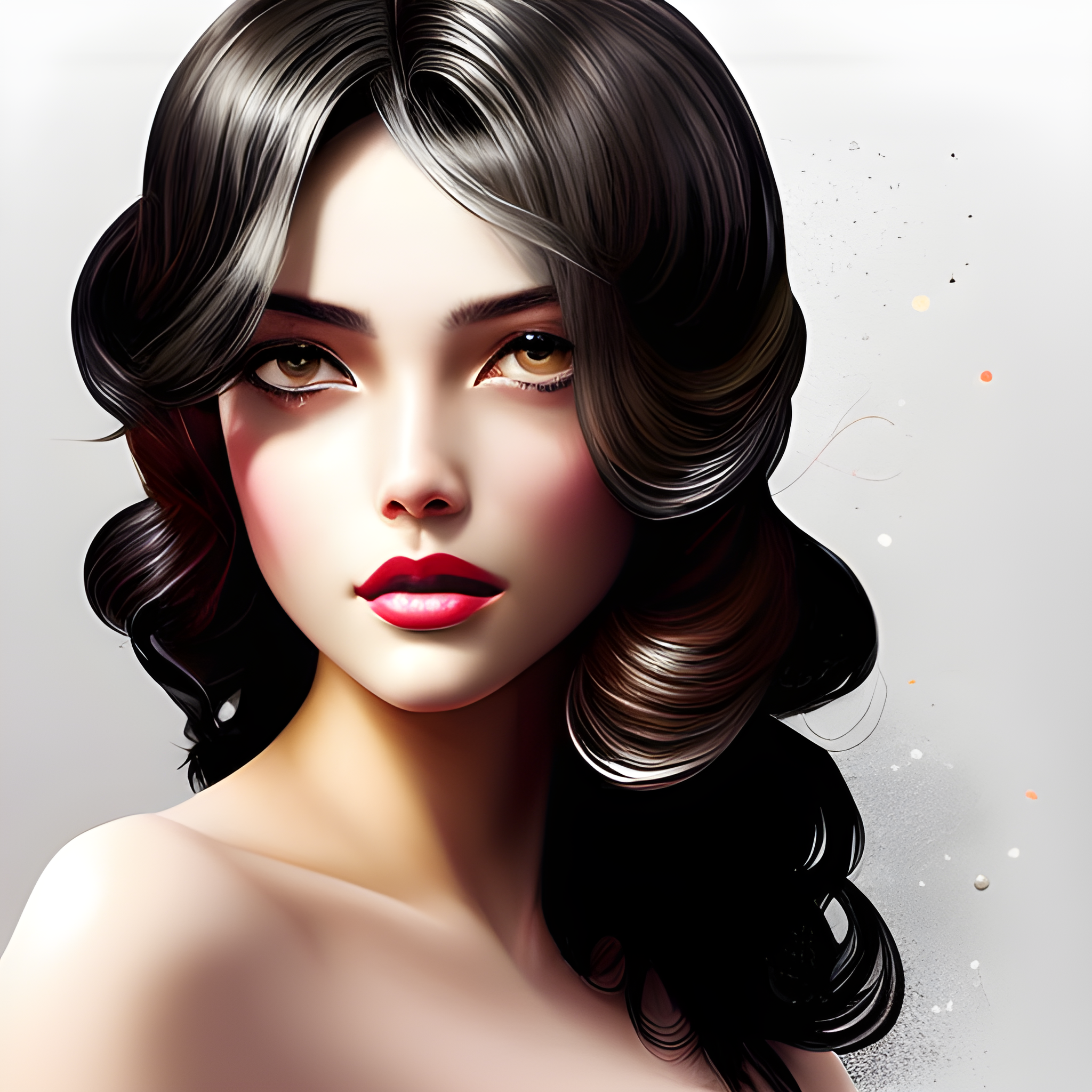
voyage-v1 is a text-to-image model from openvoyage. Use it when you need an image from a text prompt. It is set up for diffusers. The card lists the license as creativeml-openrail-m.
Voyage is basically a text to image model developed by Muhammadreza Haghiri and it is based on weights from Stable Diffusion version 2.0 and Midjourney version 4. This model helps creative people turn their ideas to a…
Downloads · 30 days
5
0% of all-time downloads
All-time downloads
4.5K
Public
Repo size
2.6 GB
Likes
8
Public
Click a slice to open those files.
.bin2.6 GB · 99%
From the Hugging Face model README
Voyage is basically a text to image model developed by Muhammadreza Haghiri and it is based on weights from Stable Diffusion version 2.0 and Midjourney version 4. This model helps creative people turn their ideas to artwork for free (in any sense of the word free).
diffusers lib!pip install --upgrade git+https://github.com/huggingface/diffusers.git transformers scipy ftfy accelerate
These following libraries, functions and classes used by me in order to test the model. Feel free to add more of your need or remove unnecessary ones!
from diffusers import StableDiffusionPipeline, EulerDiscreteScheduler, DiffusionPipeline, DPMSolverMultistepScheduler
import torch
In order to get results like what I got, you have to set euler scheduler up. This is how you can get it:
model_id = "openvoyage/voyage-v1"

scheduler = EulerDiscreteScheduler.from_pretrained(model_id, subfolder="scheduler")
pipe = StableDiffusionPipeline.from_pretrained(model_id, scheduler=scheduler, torch_dtype=torch.float16)
pipe = pipe.to("cuda")
but if you need DPMS scheduler, you can use this line as well:
scheduler = DPMSolverMultistepScheduler.from_pretrained(model_id, subfolder="scheduler")
prompt = "ultra realistic illustration of a young beautiful woman, intricate, elegant, sharp focus, smooth edges"
negative_prompt = ""
prompt = f'<voyage> style {prompt}'
image = pipe(prompt=prompt, negative_prompt=negative_prompt, num_inference_steps=25, width=512, height=512, guidance_scale=10).images[0]
and in order to save your images, you can use image.save() method and have it in PNG format.
This github repository belongs to the responsible colab notebook of the model.