
Downloads · 30 days
2.4K
4% of all-time downloads
latent-consistency/lcm-sdxl
lcm-sdxl is a text-to-image model from latent-consistency. Use it when you need an image from a text prompt. It is set up for diffusers. The card lists the license as openrail++.
Latent Consistency Model (LCM) was proposed in Latent Consistency Models: Synthesizing High-Resolution Images with Few-Step Inference by Simian Luo, Yiqin Tan et al. and Simian Luo, Suraj Patil, and Daniel Gu
Downloads · 30 days
2.4K
4% of all-time downloads
All-time downloads
54.2K
Public
Parameters
2.6B
15.4 GB on disk
Likes
160
Public
Click a slice to open those files.
.safetensors15.4 GB · 100%
From the Hugging Face model README
Latent Consistency Model (LCM) was proposed in Latent Consistency Models: Synthesizing High-Resolution Images with Few-Step Inference by Simian Luo, Yiqin Tan et al. and Simian Luo, Suraj Patil, and Daniel Gu succesfully applied the same approach to create LCM for SDXL.
This checkpoint is a LCM distilled version of stable-diffusion-xl-base-1.0 that allows
to reduce the number of inference steps to only between 2 - 8 steps.
LCM SDXL is supported in 🤗 Hugging Face Diffusers library from version v0.23.0 onwards. To run the model, first
install the latest version of the Diffusers library as well as peft, accelerate and transformers.
audio dataset from the Hugging Face Hub:
pip install --upgrade pip
pip install --upgrade diffusers transformers accelerate peft
The model can be loaded with it's base pipeline stabilityai/stable-diffusion-xl-base-1.0. Next, the scheduler needs to be changed to LCMScheduler and we can reduce the number of inference steps to just 2 to 8 steps.
Please make sure to either disable guidance_scale or use values between 1.0 and 2.0.
from diffusers import UNet2DConditionModel, DiffusionPipeline, LCMScheduler
import torch

unet = UNet2DConditionModel.from_pretrained("latent-consistency/lcm-sdxl", torch_dtype=torch.float16, variant="fp16")
pipe = DiffusionPipeline.from_pretrained("stabilityai/stable-diffusion-xl-base-1.0", unet=unet, torch_dtype=torch.float16, variant="fp16")

pipe.scheduler = LCMScheduler.from_config(pipe.scheduler.config)
pipe.to("cuda")

prompt = "a close-up picture of an old man standing in the rain"

image = pipe(prompt, num_inference_steps=4, guidance_scale=8.0).images[0]
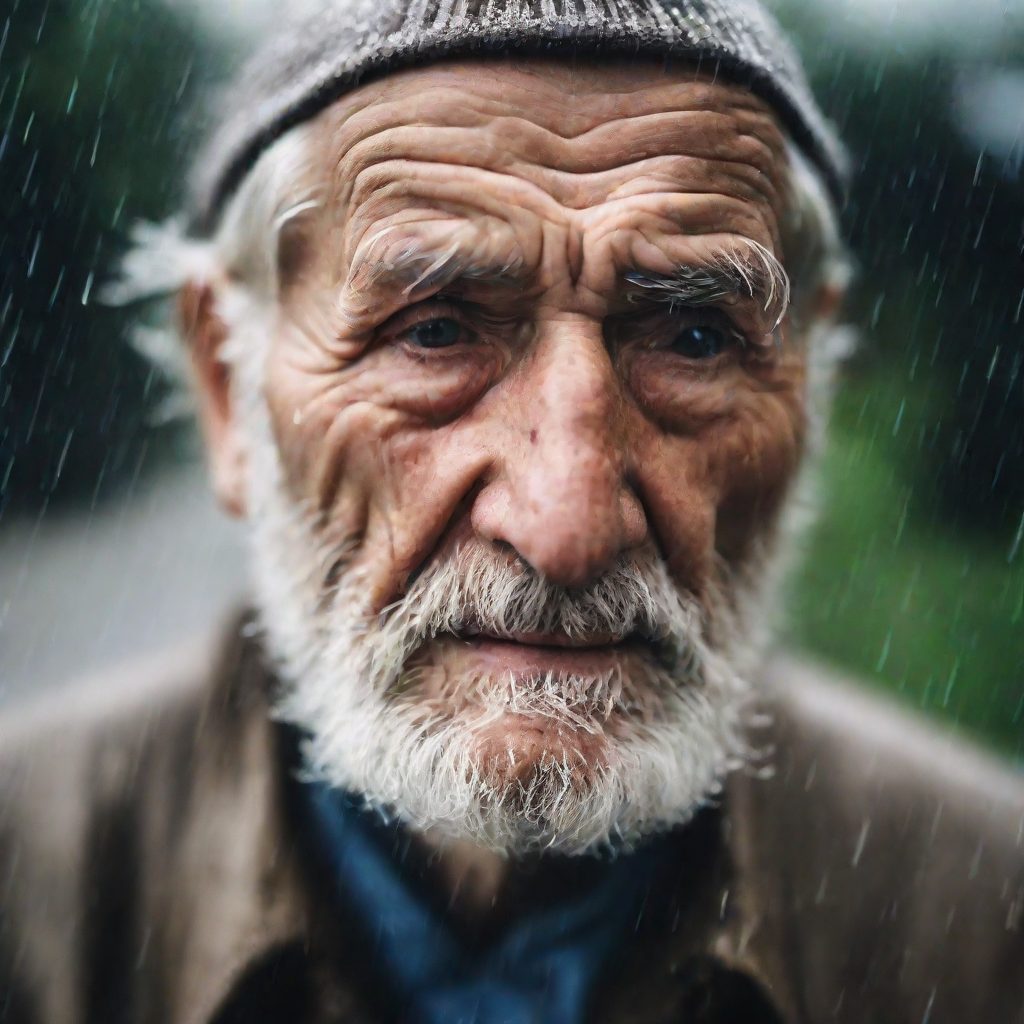
Works as well! TODO docs
Works as well! TODO docs
Works as well! TODO docs
Works as well! TODO docs
TODO
TODO